> ## Documentation Index
> Fetch the complete documentation index at: https://docs.alginte.com/llms.txt
> Use this file to discover all available pages before exploring further.
# ksqlDB
> Run ksqlDB statements and pull queries from the built-in SQL editor.
The **ksqlDB** entry appears in the sidebar when a ksqlDB server is
configured (`alginte.ksqldb.url` — see
[Configuration](/operate/configuration)); like every optional upstream, an
absent menu entry just means it's
[not configured](/guides/at-a-glance#the-sidebar-reflects-your-configuration).
Three tabs:
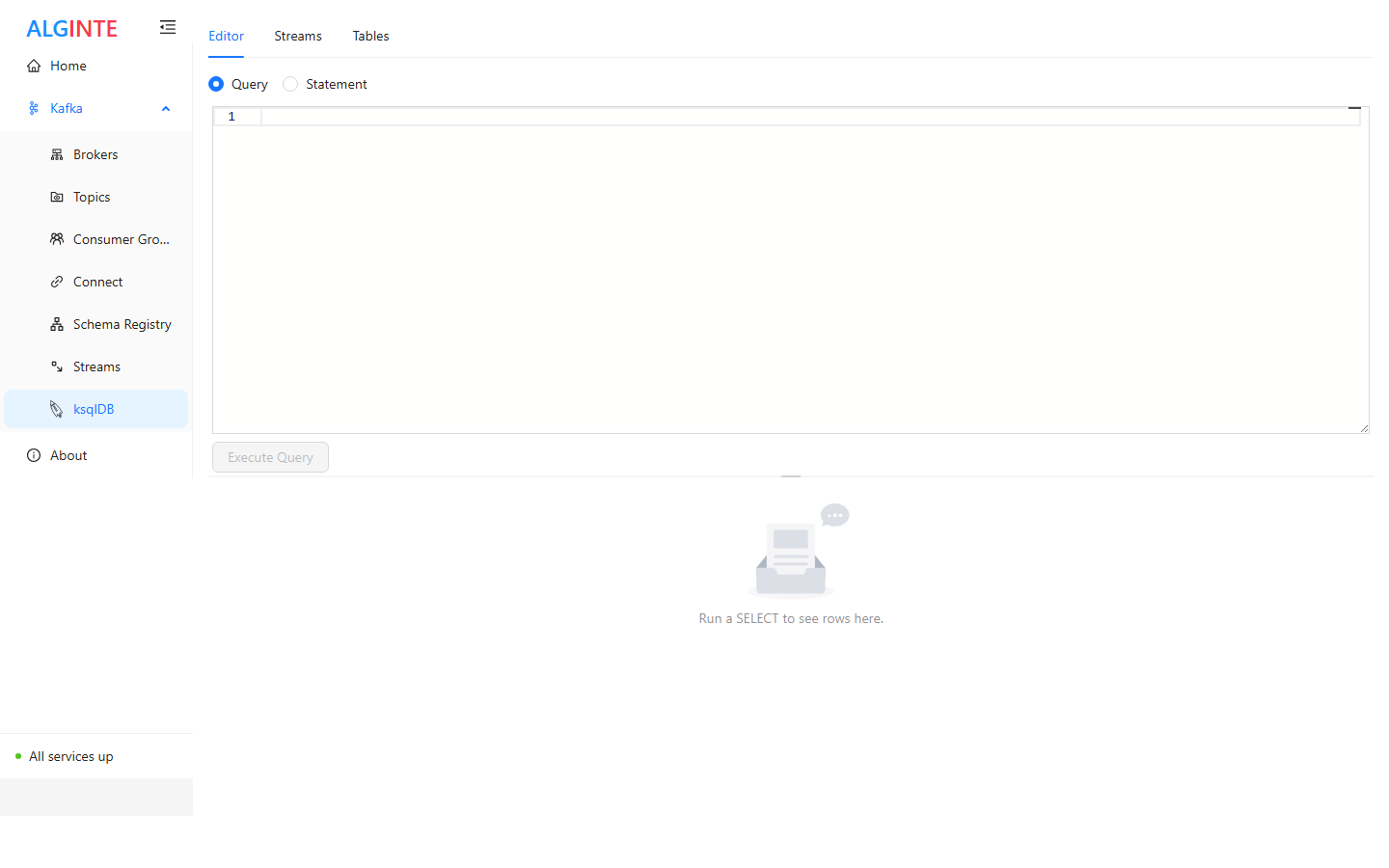
* **Editor** — a SQL editor with an execute button and a result panel. A mode
switch distinguishes the two kinds of requests:
* **Statement** — DDL/DML: `CREATE STREAM …`, `INSERT INTO …`,
`SHOW STREAMS;`
* **Query** — *pull queries* that return rows: `SELECT … WHERE …;`,
with `LIMIT` for ranges.
* **Streams** — the server's streams (name, type, backing topic, key/value
formats), refreshed automatically each time you return to the tab.
* **Tables** — the same view for tables.
 A minimal end-to-end session — create the `riders` topic first
([Topics guide](/guides/topics#creating-a-topic)), then in *Statement* mode:
```sql theme={null}
CREATE STREAM riders (
riderId VARCHAR KEY,
city VARCHAR,
distanceKm DOUBLE
) WITH (
KAFKA_TOPIC = 'riders',
VALUE_FORMAT = 'JSON'
);
INSERT INTO riders (riderId, city, distanceKm) VALUES ('r1', 'Ljubljana', 12.5);
```
Then switch to *Query* mode for a point lookup:
```sql theme={null}
SELECT * FROM riders WHERE riderId = 'r1';
```
The editor executes pull queries and statements. Continuous *push* queries
(`EMIT CHANGES`) hold a connection open indefinitely and are rejected with
a clear message — use a dedicated consumer (or the topic's
[Live messages view](/guides/messages#browsing-messages)) to follow a
stream continuously.
A minimal end-to-end session — create the `riders` topic first
([Topics guide](/guides/topics#creating-a-topic)), then in *Statement* mode:
```sql theme={null}
CREATE STREAM riders (
riderId VARCHAR KEY,
city VARCHAR,
distanceKm DOUBLE
) WITH (
KAFKA_TOPIC = 'riders',
VALUE_FORMAT = 'JSON'
);
INSERT INTO riders (riderId, city, distanceKm) VALUES ('r1', 'Ljubljana', 12.5);
```
Then switch to *Query* mode for a point lookup:
```sql theme={null}
SELECT * FROM riders WHERE riderId = 'r1';
```
The editor executes pull queries and statements. Continuous *push* queries
(`EMIT CHANGES`) hold a connection open indefinitely and are rejected with
a clear message — use a dedicated consumer (or the topic's
[Live messages view](/guides/messages#browsing-messages)) to follow a
stream continuously.