
alginte.ksqldb.url — see
Configuration); like every optional upstream, an
absent menu entry just means it’s
not configured.
Three tabs:
- Editor — a SQL editor with an execute button and a result panel. A mode
switch distinguishes the two kinds of requests:
- Statement — DDL/DML:
CREATE STREAM …,INSERT INTO …,SHOW STREAMS; - Query — pull queries that return rows:
SELECT … WHERE …;, withLIMITfor ranges.
- Statement — DDL/DML:
- Streams — the server’s streams (name, type, backing topic, key/value formats), refreshed automatically each time you return to the tab.
- Tables — the same view for tables.
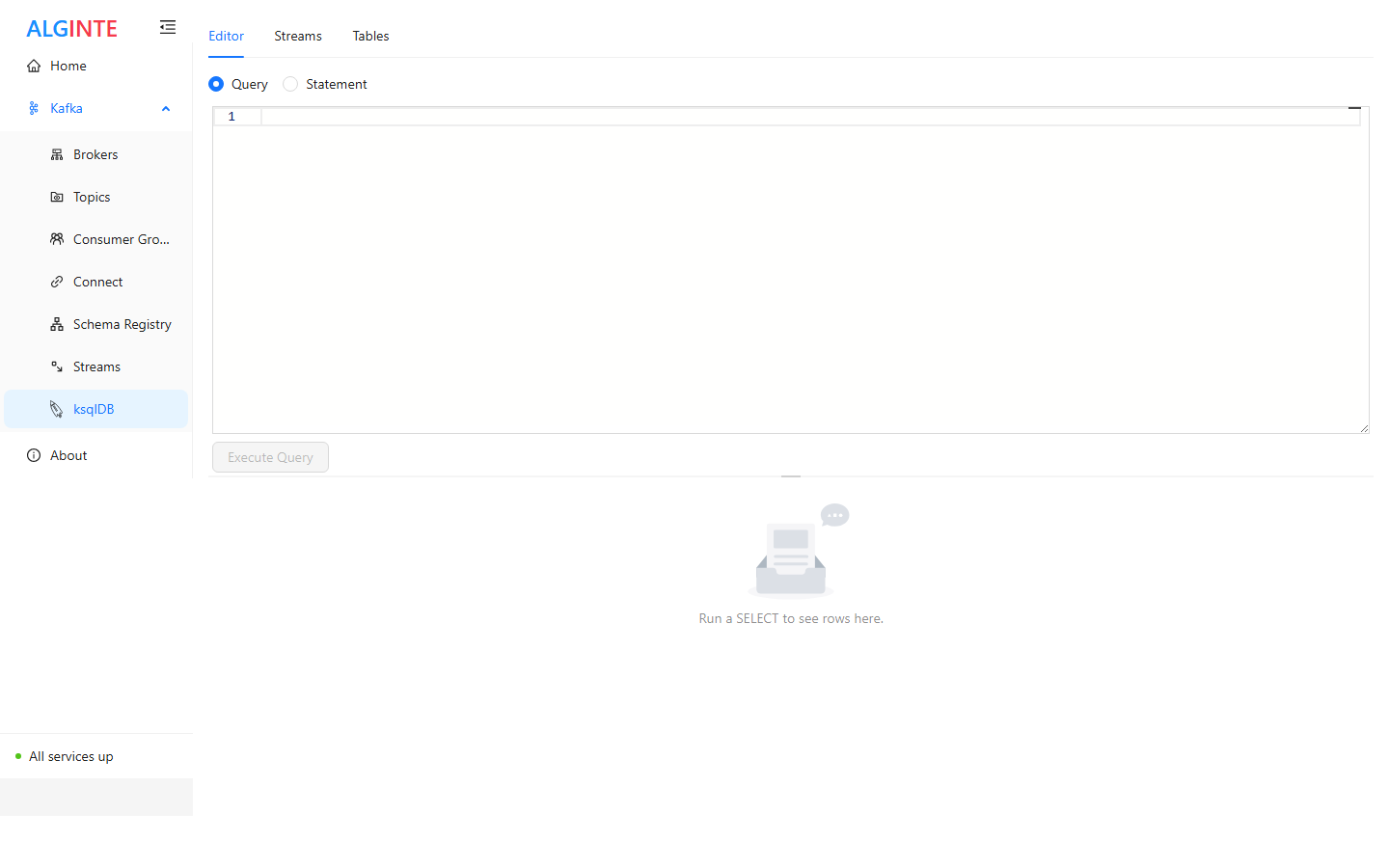
The ksqlDB editor: Query/Statement mode switch above the SQL editor, results below.
riders topic first
(Topics guide), then in Statement mode:
The editor executes pull queries and statements. Continuous push queries
(
EMIT CHANGES) hold a connection open indefinitely and are rejected with
a clear message — use a dedicated consumer (or the topic’s
Live messages view) to follow a
stream continuously.